
Ragdoll Soccer Shooting Guide: Aim, Power, and Curve
Master Ragdoll Soccer shooting with PC controls for aiming, charged kicks, curve shots, and lobs. Practice your timing and put more chances on target.
Jump to
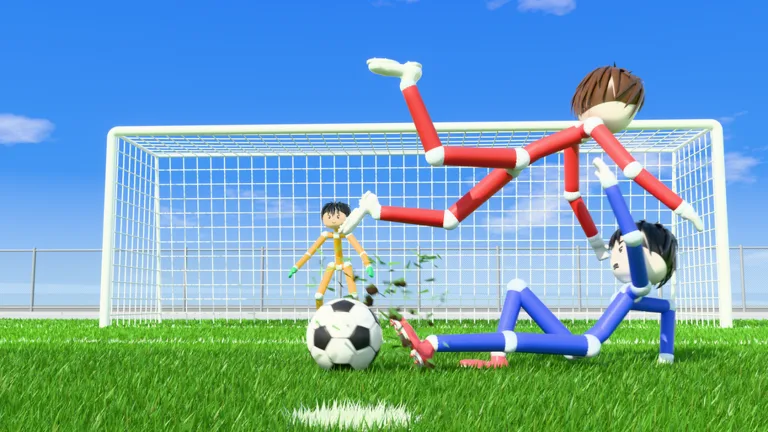
How to Shoot in Ragdoll Soccer
Adjust your aim before charging your next shot. Ragdoll Soccer shooting on PC uses the left mouse button, and shots travel where you look. Control your view and kick charge together to keep the ball low or lift it toward goal.
Start in Practice mode and open the shooting basics lesson. Look down to send the ball low, then raise your view to add height. Make small adjustments between attempts: looking up too far can send the ball over the goal.
These are the PC inputs to learn for shooting:
| Action | Input |
|---|---|
| Shoot or charge a kick | Left mouse button |
| Apply curve | Q or E |
| Select lob | 2 |
| Sprint | Shift |
Before adding curve or trying a chip, practice a straight shot with a consistent aim. Keep your starting position similar between attempts so you can judge what changes when you adjust your view.
If the ball keeps going high, lower your aim before adding more power. If it stays lower than intended, raise your view slightly and try again.
Official page: Ragdoll Soccer (roblox.com)
Charge Your Kicks for Power Shots
Charging a kick adds power, and the power-shot lesson asks you to shoot with a full charge while sprinting toward the ball.
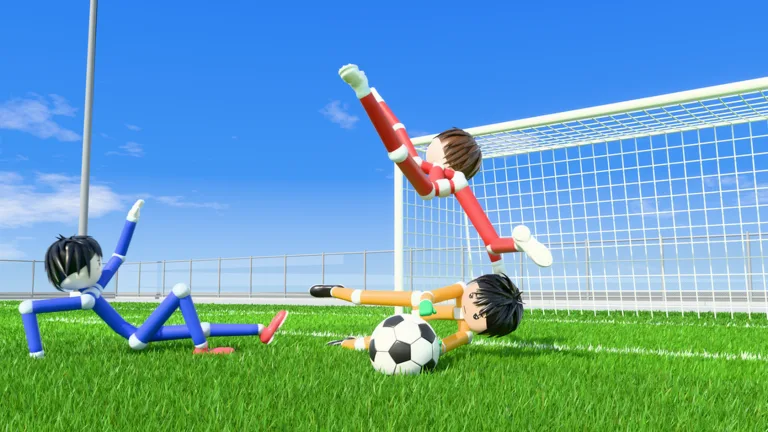 Image: Roblox / Ragdoll Athletics
To practice that sequence:
- Line up your approach toward the ball.
- Use Shift to sprint.
- Charge your kick with the left mouse button.
- Shoot with a full charge while keeping your view aimed toward the target.
Pay attention to height during the run-up. Full charge does not replace aiming, so keep your view controlled as you approach.
For close-range attempts, practice shorter charges instead of using maximum power every time. Compare where those shots finish before taking the same technique into a match. Change either your aim or your charge between attempts so you can identify which adjustment helped.
Use Q or E to Curve the Ball
Curve shots use Q or E alongside the left mouse button’s shooting and charging controls. The curve lesson gives you a target in the far corner, letting you practice bending the ball toward a specific finish.
Start with one curve input and repeat the attempt before switching to the other. Watch the ball’s path rather than judging the shot only by whether it scores.
If the ball bends away from your intended target, adjust your starting aim on the next attempt. Keep your charge similar while learning the bend; changing power, height, and curve at once makes a miss harder to diagnose.
Practice straight shots first, then add curve once you can consistently aim inside the goal.
Press 2 for a Lob or Chip
Press 2 to select lob, then use the left mouse button for the kick. In the lob lesson, a soft tap chips the ball toward goal.
Keep the input gentle while learning this shot. The challenge is getting enough height to clear the goalkeeper without sending the ball too far.
Try the chip when the goalkeeper comes forward and leaves space behind. Judge that space before kicking, then use a soft touch rather than carrying over the full charge from your power-shot practice.
If your lob travels too far, reduce the force on the next attempt. Work on the soft tap before trying to execute it under pressure.
Use Practice Lessons Before Quickplay
Practice mode includes moving and sprinting, shooting basics, power shots, curve shots, and lob training. It also offers basic shooting drills, free play, and goalkeeper practice.
Use the structured lessons to learn each input, then move into free play to experiment with aim and charge without following a lesson prompt. Try goalkeeper practice to get some time on the receiving end of shots, too.
When you move into 4v4 quickplay, take the simple finish when the opening is there. Use curve or a lob when the angle or goalkeeper’s position gives you a reason to change the shot.
Popular pages
Ragdoll Soccer Beginner Guide: Controls and Scoring
Use this Ragdoll Soccer beginner guide to learn controls, practice low shots and curves, choose a match mode, and redeem WELCOME for 250 coins in Roblox.
Ragdoll Soccer Ball Physics: Aim, Curve, and Score
Learn Ragdoll Soccer ball physics with useful tips for aiming, charged shots, curves, and lobs. Use Practice mode to build control before your next match.
Ragdoll Soccer 4v4 Quickplay: How to Play and Score
Jump into Ragdoll Soccer 4v4 quickplay with tips on joining matches, aiming shots, practicing curves and lobs, and queuing with friends through Clubs mode.
Ragdoll Soccer Free Kicks: Controls and Practice Tips
Learn Ragdoll Soccer free kicks with shooting controls, camera aiming, curve shots, and practice drills to prepare for chances in the game's pro servers.
Join the community
Official channels for news, updates and player help: