
Ragdoll Soccer VAR: Pro Server Rules and Match Guide
Learn where Ragdoll Soccer VAR fits into 8v8 pro matches, explore the rules included in that mode, and practice your shooting before joining the action.
Jump to
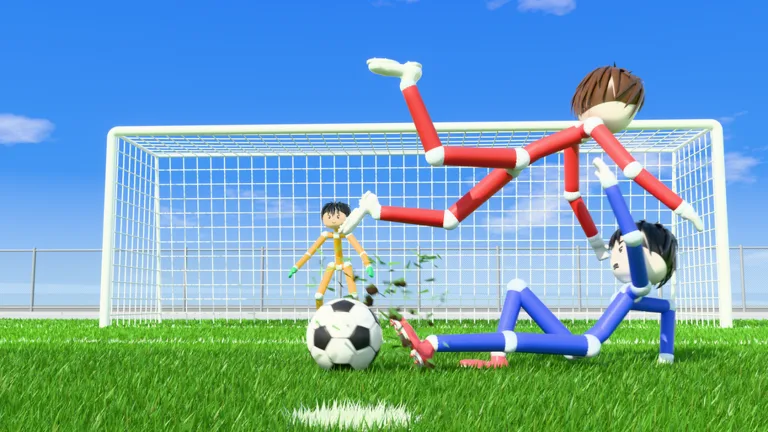
Which Mode Includes VAR?
Ragdoll Soccer VAR belongs to 8v8 pro servers, where the physics-based action comes with referees and a fuller soccer ruleset. Your choice of mode matters if you want those match features. Select pro servers from the play options to enter matches that include VAR.
The pro ruleset includes:
- Referees
- Penalties
- Free kicks
- Throw-ins
- VAR
- Offsides
Keep offsides in mind when positioning for an attacking pass, and pay attention to the referee during stoppages. Pro matches include more rule-based interruptions than simply chasing the ball and shooting.
The other team modes offer different match formats. Quickplay is 4v4, while Clubs lets you queue for 4v4 matches with friends. Choose the 8v8 pro option when VAR and the expanded ruleset are what you want to play with.
You can play Ragdoll Soccer on Roblox to access the game's modes.
Playing Pro Matches With Friends
The Private 8v8 Servers game pass costs 49 Robux. It lets you open your own private 8v8 Pro server whenever you want, as often as you like.
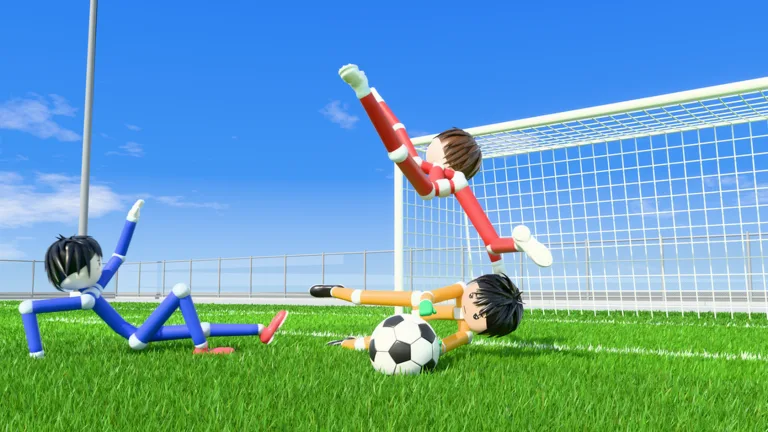 Image: Roblox / Ragdoll Athletics
Your friends can find your server in the 8v8 server browser and join you. Anyone already inside can also invite more players.
Use that private server option when you want to organize an 8v8 pro match with friends. Choose Clubs instead when your group wants to queue together for the separate 4v4 format.
Practice Your Shooting Before Joining Pro Matches
Practice mode includes movement and sprinting lessons, shooting drills, free play, and goalkeeper practice. Start with shooting basics so you can control the ball before adding the demands of a pro match.
On mouse and keyboard, left-click shoots, and your shot follows where you look. Practice these adjustments:
- Keep shots low: Look down to lower the ball's trajectory.
- Add height: Aim higher to lift your shot. Adjust your aim gradually to avoid sending it too high.
- Work on power shots: Follow the drill's sprinting approach and fully charge the kick.
- Try a chip: Select the lob with 2, then tap left-click softly.
Repeat the drills while changing one part of your shot at a time—aim, charge, or approach—so you can see how each adjustment affects the ball.
Continue with
 Ragdoll Soccer Free Kicks: Controls and Practice TipsLearn Ragdoll Soccer free kicks with shooting controls, camera aiming, curve shots, and practice drills to prepare for chances in the game's pro servers.
More in Rules
Ragdoll Soccer Offsides: Which Modes Include the Rule?
Ragdoll Soccer offsides feature in 8v8 pro servers. Explore match formats, other pro rules, and how to open a private server to play with your friends.
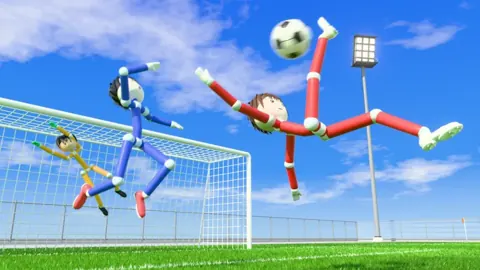
Ragdoll Soccer Penalties: Pro Rules and Shooting Tips
Ragdoll Soccer penalties are part of 8v8 pro servers. Learn where to play, what rules to expect, and which shooting skills to practice before your match.
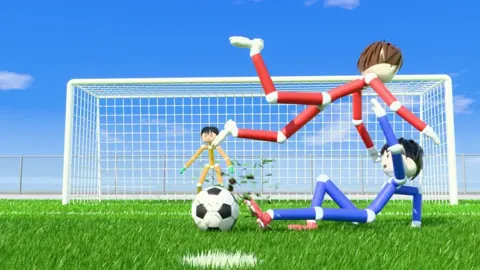
Ragdoll Soccer Referees: How to Play on Pro Servers
Ragdoll Soccer referees feature in 8v8 pro servers with penalties, free kicks, throw-ins, VAR, and offsides. Learn which mode to join and how to prepare.
Ragdoll Soccer Rules Guide: Modes and Shooting Tips
Learn match formats, pro server rules, and shooting controls with this Ragdoll Soccer rules guide. Practice low shots, curves, and lobs before you queue.
Join the community
Official channels for news, updates and player help: