
Ragdoll Soccer Controls: Shooting, Curves, and Tackles
Learn Ragdoll Soccer controls for shooting, sprinting, curve shots, lobs, and tackles. Use Practice mode to improve your aim and kick power before a match.
Jump to
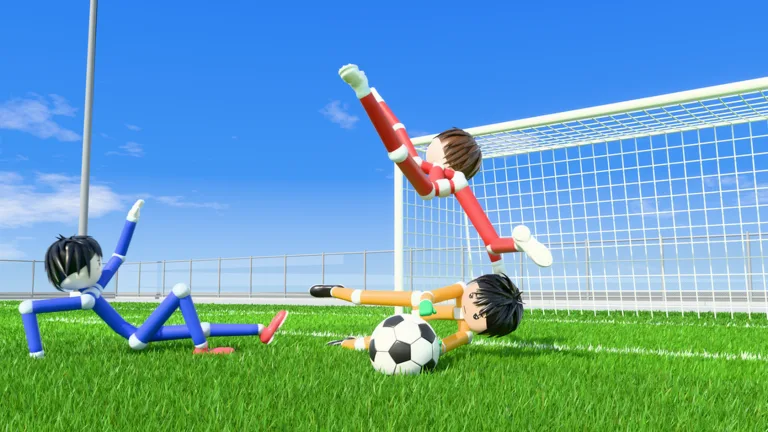
Keyboard and Mouse Controls
Sending a shot over the crossbar? Ragdoll Soccer controls combine mouse aiming, charged kicks, and keyboard inputs for curves, lobs, and tackles. Learn how aim and power work together so you can place the ball instead of blasting every chance away.
These inputs apply to keyboard and mouse play on Roblox:
| Action | Input |
|---|---|
| Shoot | Left mouse button |
| Charge a kick | Hold the left mouse button |
| Aim the shot | Look toward your target |
| Sprint | Shift |
| Curve a shot | Q or E while charging a shot |
| Select lob | 2, then use the left mouse button to kick |
| Slide tackle | X |
| Call for the ball | G |
Start with shooting and aiming before adding curve inputs. For defense and team play, keep X and G in mind: one lets you challenge for possession, while the other lets you request a pass.
Official page: Ragdoll Soccer (roblox.com)
How to Aim and Control Shot Power
Your shots travel where you look. Looking down keeps the ball low, while looking up adds height. That makes your viewing angle part of the shot itself, rather than just a way to watch the action.
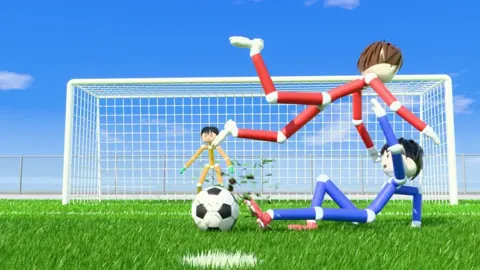
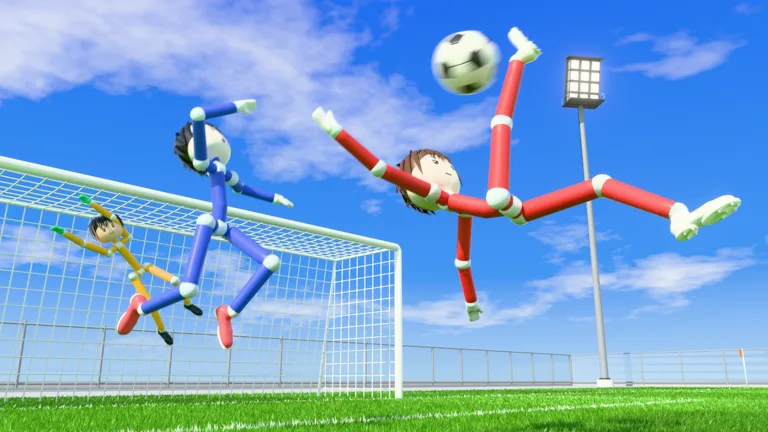 Image: Roblox / Ragdoll Athletics
Separate height from power while practicing:
- For a low attempt: look down and practice keeping the ball near the ground.
- For a lifted attempt: raise your aim slightly, then adjust after seeing the result.
- For a stronger kick: charge the shot rather than using a quick tap.
Change one thing at a time. Repeat a shot with similar power while adjusting your aim, then keep your aim steady while changing the charge. This helps you work out whether a miss came from the angle or the force behind it.
The power-shot lesson combines a sprint toward the ball with a fully charged kick. Practice that sequence in the lesson before trying to fit it into a crowded goalmouth. A full charge adds power, but you still need to direct the shot.
How to Curve Shots and Chip the Keeper
Curves and lobs give you different ways to send the ball toward goal. Practice them separately so you can recognize how each changes the shot.
Curve Shots
Charge with the left mouse button and use Q or E to bend the ball. The curve lesson asks you to bend a shot into the far corner.
Repeat the drill with each input and watch the ball’s path. Adjust your starting aim between attempts rather than changing aim, charge, and curve all at once.
Lob Shots
Press 2 to select the lob, then tap the left mouse button softly to chip the ball.
Use the lob lesson to practice clearing the goalkeeper without sending the ball beyond the goal. Start with a soft tap and adjust from there; a heavily powered attempt can carry too far.
Where to Practice Before Joining a Match
Head to the practice station and work through the lessons. Moving and sprinting, shooting basics, power shots, curves, and lobs give you specific mechanics to work on. Free play and goalkeeper practice are also available.
Follow the lesson order while learning the inputs. Spend extra time on shooting basics if your attempts keep going too high or staying too low, then move on to the sprint-and-charge sequence.
When you’re ready to use those skills in a match, choose a mode:
- 4v4 quickplay: play a four-on-four match.
- Clubs mode: queue for 4v4 with friends.
- 8v8 pro servers: play with referees, penalties, free kicks, throw-ins, VAR, and offsides.
Use G when you want a teammate to pass, and practice timing X when challenging for the ball. Keep working on those inputs alongside your shooting so you can contribute between chances on goal.
Continue with
 Ragdoll Soccer Goalkeeping: Practice and Shot ReadingImprove Ragdoll Soccer goalkeeping with Practice mode, learn how low shots, curves, and lobs work, and prepare for quickplay and pro matches on Roblox.
More in Controls
Ragdoll Soccer Calling for the Ball: Controls & Tips
Learn Ragdoll Soccer calling for the ball controls on PC, use G to request a pass, and time your runs to give teammates a clear option during the match.
Ragdoll Soccer Passing: Controls and Teamwork Tips
Improve Ragdoll Soccer passing with tips for low kicks, lob controls, calling for the ball, and quick team moves. Learn to set up cleaner scoring chances.
Ragdoll Soccer Shooting Guide: Aim, Power, and Curve
Master Ragdoll Soccer shooting with PC controls for aiming, charged kicks, curve shots, and lobs. Practice your timing and put more chances on target.
Ragdoll Soccer Tackling: Slide Controls and Defense
Learn Ragdoll Soccer tackling controls on PC, use X to slide, and practice timing and positioning before defending in quickplay or competitive matches.
Join the community
Official channels for news, updates and player help: