
Ragdoll Soccer Calling for the Ball: Controls & Tips
Learn Ragdoll Soccer calling for the ball controls on PC, use G to request a pass, and time your runs to give teammates a clear option during the match.
Jump to
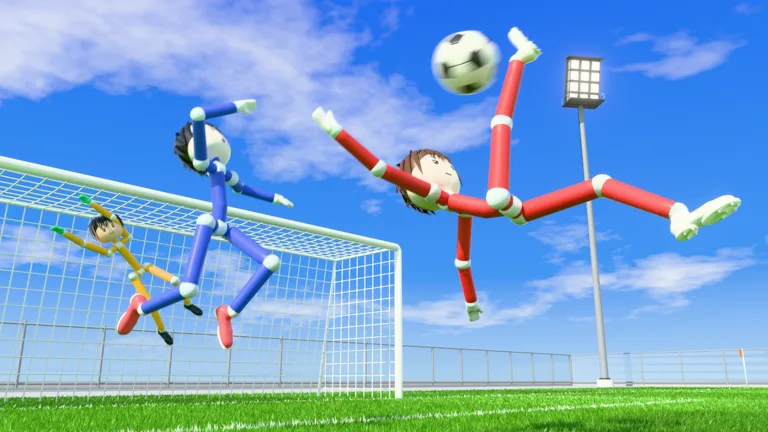
How to Call for the Ball in Ragdoll Soccer
The Ragdoll Soccer calling for the ball control is G on PC. Use it to request a pass when a teammate has possession. Move into an open passing lane before calling so they have a useful target.
To put the control into practice:
- Join a match through Quickplay.
- When your team has the ball, move away from nearby defenders.
- Press G to ask for a pass.
- Keep adjusting your position as the ball carrier moves.
Think about where the pass needs to travel. If a defender is standing directly between you and your teammate, move sideways to create a clearer route before requesting the ball.
Official page: Ragdoll Soccer (roblox.com)
When to Request a Pass
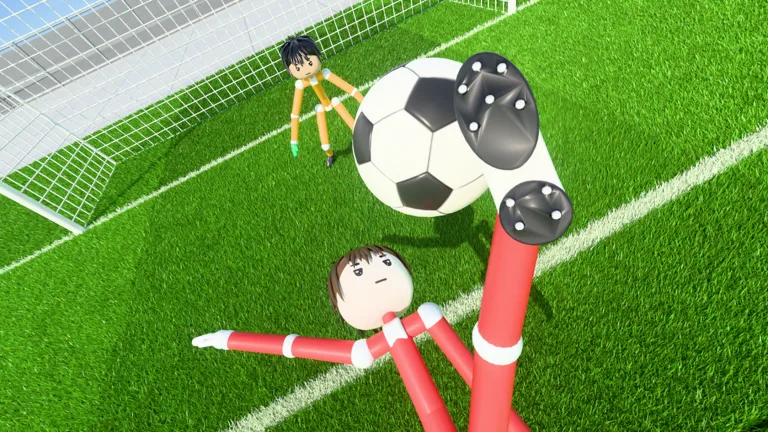 Image: Roblox / Ragdoll Athletics
Give Your Goalkeeper an Outlet
When your goalkeeper has the ball, offer a passing option away from the crowd. Move into space where you can receive it, then press G.
Avoid standing beside another teammate who is already available. Spread out to give the keeper different directions to play toward.
Call Before Your Run Gets Crowded
Use Shift to sprint into space, then request the pass while the lane is open. Watch the teammate with possession as you move; running farther forward does little if a defender blocks the route to you.
Try a diagonal run rather than heading straight toward goal every time. Aim to create an angle where you can receive the ball and still see your next option.
Account for Offsides in Pro Matches
The game includes 4v4 Quickplay, while 8v8 pro servers feature offsides, referees, free kicks, and other match rules.
In pro matches, watch your position relative to the defense before requesting a forward pass. Time your run with your teammate’s opportunity to release the ball instead of waiting near goal throughout the attack.
Pro matches also include penalties, throw-ins, and VAR. Keep those additional rules in mind when switching from Quickplay: positioning for an open-play pass is only one part of playing with the expanded match rules.
Practice What Happens After the Pass
Getting the ball is only part of the play. Decide whether you want to shoot or move it to a teammate before it reaches you.
Use Practice mode to work through the shooting lessons:
- Left mouse button controls shooting.
- Shots follow where you look.
- Looking down keeps the shot low.
- Looking up adds height.
- Charging a kick adds power.
Start with the shooting basics and practice aiming low before adding more power. If you receive a pass near goal, use that aiming practice to place your attempt rather than automatically charging a big kick.
The practice lessons also cover moving and sprinting, so work on those controls alongside your shooting. Use the movement lesson to rehearse sprinting before returning to the ball. Then try the power-shot lesson, which asks you to sprint toward the ball and shoot with a full charge. Practice that specific combination separately from softer attempts so you can prepare the intended kick after receiving possession.
For a different finish, work through the curve-shot lesson. Use the left mouse button to charge the shot and Q or E to apply curve. Practice bending attempts toward a corner, then return to straightforward shots to compare the aiming demands. Keep your attention on where you look as well as the curve input.
The lob lesson uses 2, followed by a soft left-mouse-button tap to chip the ball. Rehearse that lighter touch against the practice goalkeeper instead of charging every attempt fully. Practice mode also includes basic shooting drills, free play, and goalkeeper practice, giving you several ways to work on the actions surrounding a pass.
For coordinated passing practice, Clubs mode lets friends queue together for 4v4 matches. Take turns carrying the ball and making supporting runs, using G when you have created a clear passing option.
Continue with
 Ragdoll Soccer Controls: Shooting, Curves, and TacklesLearn Ragdoll Soccer controls for shooting, sprinting, curve shots, lobs, and tackles. Use Practice mode to improve your aim and kick power before a match.
More in Controls
Ragdoll Soccer Goalkeeping: Practice and Shot Reading
Improve Ragdoll Soccer goalkeeping with Practice mode, learn how low shots, curves, and lobs work, and prepare for quickplay and pro matches on Roblox.
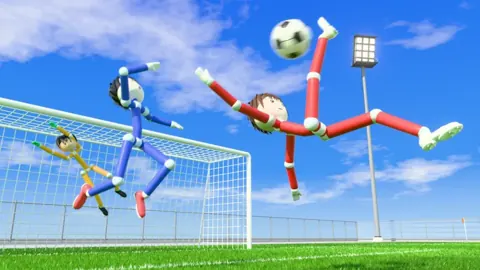
Ragdoll Soccer Passing: Controls and Teamwork Tips
Improve Ragdoll Soccer passing with tips for low kicks, lob controls, calling for the ball, and quick team moves. Learn to set up cleaner scoring chances.
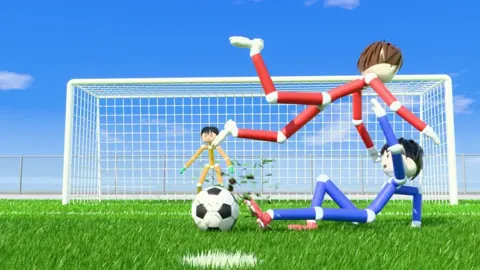
Ragdoll Soccer Shooting Guide: Aim, Power, and Curve
Master Ragdoll Soccer shooting with PC controls for aiming, charged kicks, curve shots, and lobs. Practice your timing and put more chances on target.
Ragdoll Soccer Tackling: Slide Controls and Defense
Learn Ragdoll Soccer tackling controls on PC, use X to slide, and practice timing and positioning before defending in quickplay or competitive matches.
Join the community
Official channels for news, updates and player help: