
Ragdoll Soccer Development Status: What You Can Play
Ragdoll Soccer development status explained: explore its early development stage, match modes, practice tools, and what to expect before joining a match.
Jump to
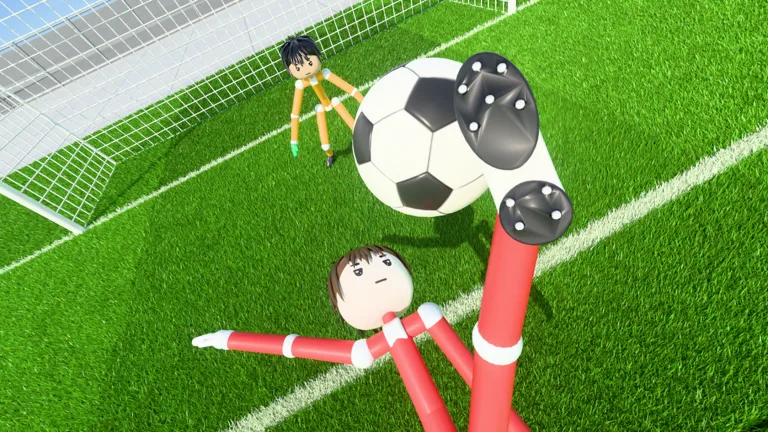
Is Ragdoll Soccer Still in Development?
Ragdoll Soccer development status matters if you’re deciding whether to jump in: the game is playable now and still in early development. Ragdoll Athletics continues improving the experience, so you’re joining a game that’s still taking shape. You can already play matches, queue with friends, and work on your shooting in Practice mode.
The Roblox experience was created on October 13, 2026, and received an update on November 12, 2026. Its current identity centers on a soccer physics engine, with casual matches, more structured pro matches, and dedicated training tools.
To get started, play Ragdoll Soccer on Roblox, then choose between jumping into a match and learning the controls in practice.
Which Modes Can You Play?
The current game offers several ways to get onto the field:
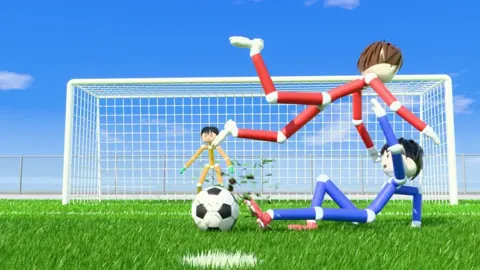
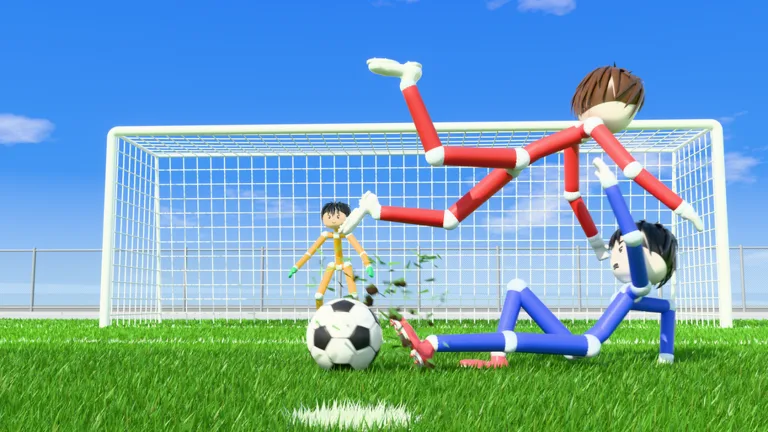 Image: Roblox / Ragdoll Athletics
| Mode | Match format | What it includes |
|---|---|---|
| Quickplay | 4v4 | Quickplay soccer matches |
| Pro servers | 8v8 | Referees, penalties, free kicks, throw-ins, VAR, and offsides |
| Clubs | 4v4 | Queue together with friends |
Practice mode sits alongside those match options, with lessons, shooting drills, free play, and goalkeeper practice.
For a match with more soccer rules in play, choose a pro server. Referees and decisions such as offsides add considerations beyond getting the ball into the goal.
For group play, use Clubs to organize your friends into a 4v4 queue. You can create a club or join one; leave your existing club before attempting to join another.
Learn the Physics Before Your Next Match
Practice gives you a place to work through movement and shooting without learning every input during a match. Start with moving and sprinting, then move into the shooting lessons.
Work through these mechanics in order:
- Control shot height. Use the left mouse button to shoot. Shots follow where you look, so aim lower to keep the ball down and raise your view to lift it.
- Practice charging kicks. Work on charged shots before moving into the power-shot lesson.
- Combine sprinting with power shots. Follow the lesson’s sprint toward the ball and full-charge shot sequence.
- Try bending the ball. Use Q or E during curve-shot practice to work on sending shots around the keeper.
- Practice a softer lob. Select the lob with 2, then tap the left mouse button to chip the ball.
Repeat the height and charge exercises before adding curve. Those controls give you specific things to adjust when a shot flies over the goal or stays too low.
What Paid Options Are Available During Development?
Paid options already include cosmetic bundles, a Starter Pack, and private pro servers.
The Starter Pack costs 19 Robux and is a one-time purchase containing 500 coins, the Eye Black face, Shades, and the Swagger emote. The Legendary Bundle costs 299 Robux and contains the Cyborg face, Viking Helmet, and Sniper emote.
For organized matches, Private 8v8 Servers costs 49 Robux. It lets you open private pro servers repeatedly. Friends can find your server in the 8v8 server browser, and players inside can invite others.
Choose the private-server option if your goal is hosting an 8v8 session with friends. The Starter Pack and Legendary Bundle serve a different purpose: adding coins or customization items to your account.
Continue with
 Ragdoll Soccer FAQ: Controls, Codes, and Match ModesRagdoll Soccer FAQ explains shooting controls, curve shots, clubs, match modes, and the WELCOME code. Learn the basics before your next match on Roblox.
More in Guide
Ragdoll Soccer Ball Physics: Aim, Curve, and Score
Learn Ragdoll Soccer ball physics with useful tips for aiming, charged shots, curves, and lobs. Use Practice mode to build control before your next match.
Ragdoll Soccer Beginner Guide: Controls and Scoring
Use this Ragdoll Soccer beginner guide to learn controls, practice low shots and curves, choose a match mode, and redeem WELCOME for 250 coins in Roblox.
Ragdoll Soccer Official Links: Play the Roblox Game
Find Ragdoll Soccer official links, jump into the Roblox game, redeem WELCOME for 250 Coins, and explore quickplay, pro servers, clubs, and practice mode.
Ragdoll Soccer Play Online: Controls and Match Guide
Ragdoll Soccer play online guide: join Roblox matches, learn shooting controls, practice curve shots and lobs, and queue with friends in Clubs mode today.
Continue exploring
Ragdoll Soccer Codes: Redeem Welcome for 250 Coins
Get Ragdoll Soccer codes for free coins, redeem WELCOME for 250 Coins, and follow the Shop menu steps to claim your reward and pick up new cosmetic items.
Ragdoll Soccer Accessories: Packs and Bundles Guide
Explore Ragdoll Soccer accessories, hair packs, and Robux bundles. Compare exact prices and cosmetic rewards, plus redeem WELCOME for 250 coins in-game.
Join the community
Official channels for news, updates and player help: